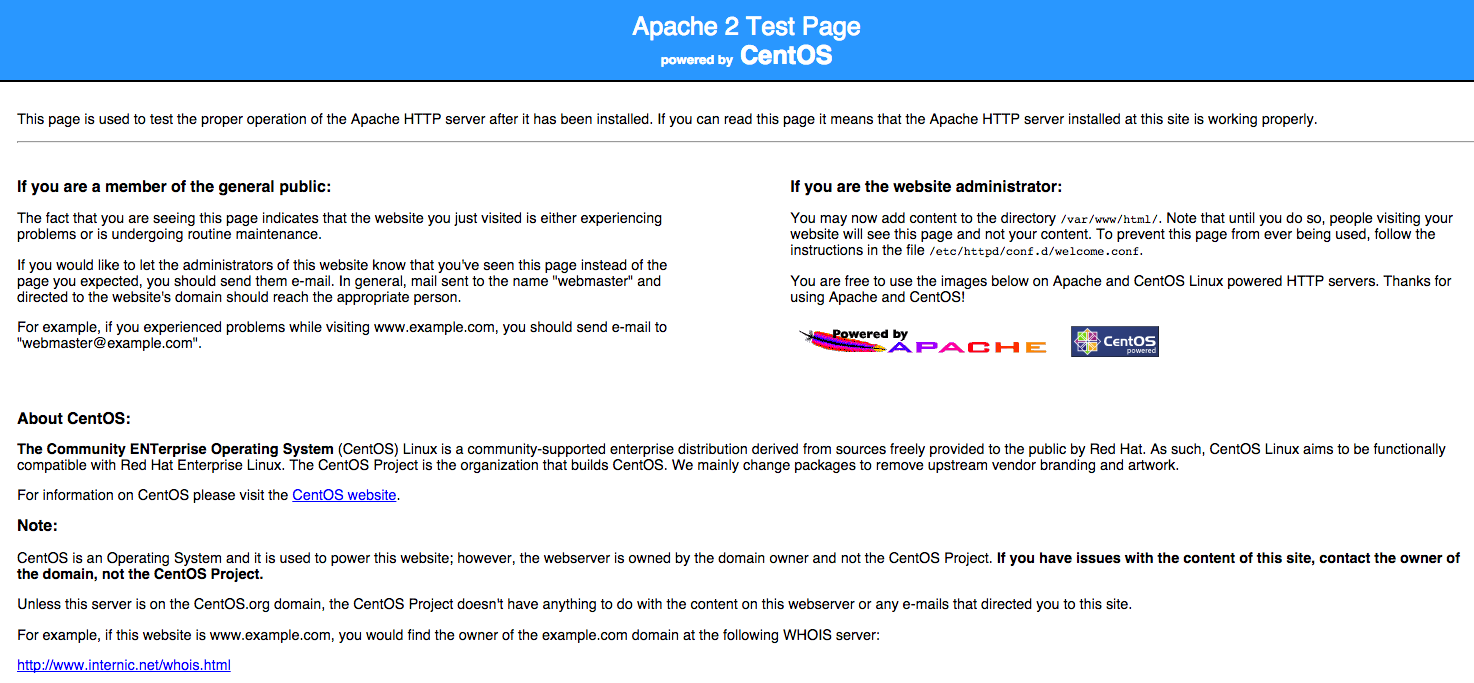

Apache Web 服务器是一款适用于包括 Linux 和 Windows 在内的现代操作系统的开源 HTTP 服务器,也是互联网上最流行的 Web 服务器之一。Apache 的配置文件和安装方法会因 Linux 发行版的不同而有所差异,但默认的文档根目录/var/www/html在所有发行版中都相同。
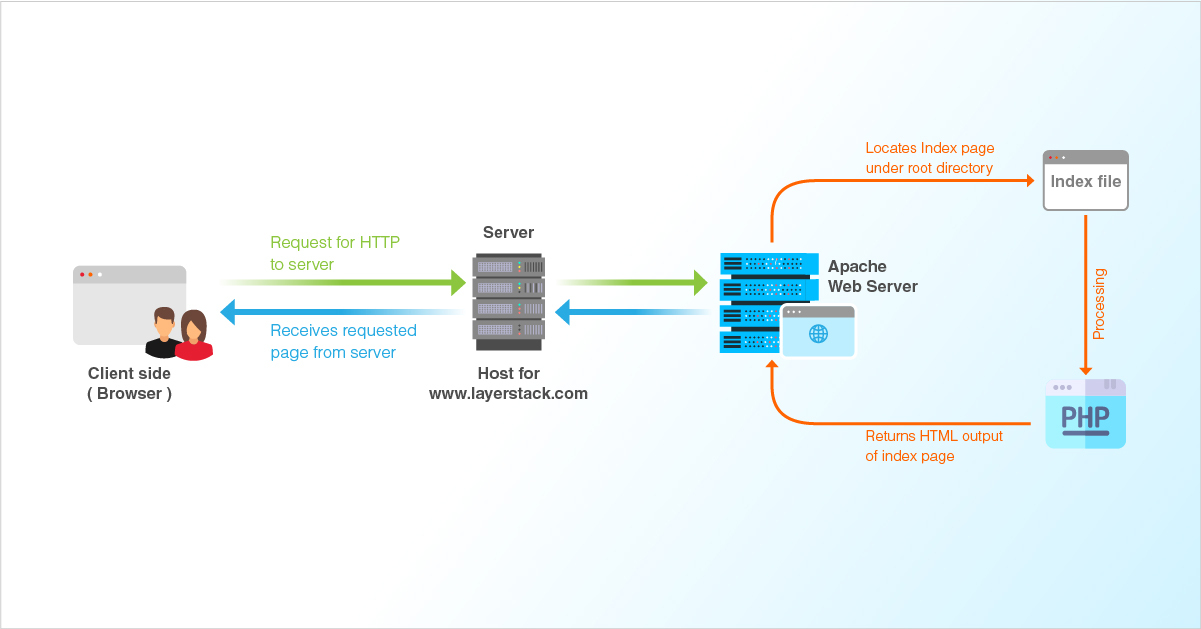
Debian 和 Ubuntu 发行版将 Apache 称为“Apache2”,Apache2 的配置文件是 /etc/apache2/apache2.conf。
CentOS 将 Apache 称为httpdhttpd,其配置文件为/etc/httpd/httpd.conf。
安装完成后,您可以通过在浏览器地址栏中输入服务器 IP 地址来检查 Apache 是否已安装:
http://你的服务器IP
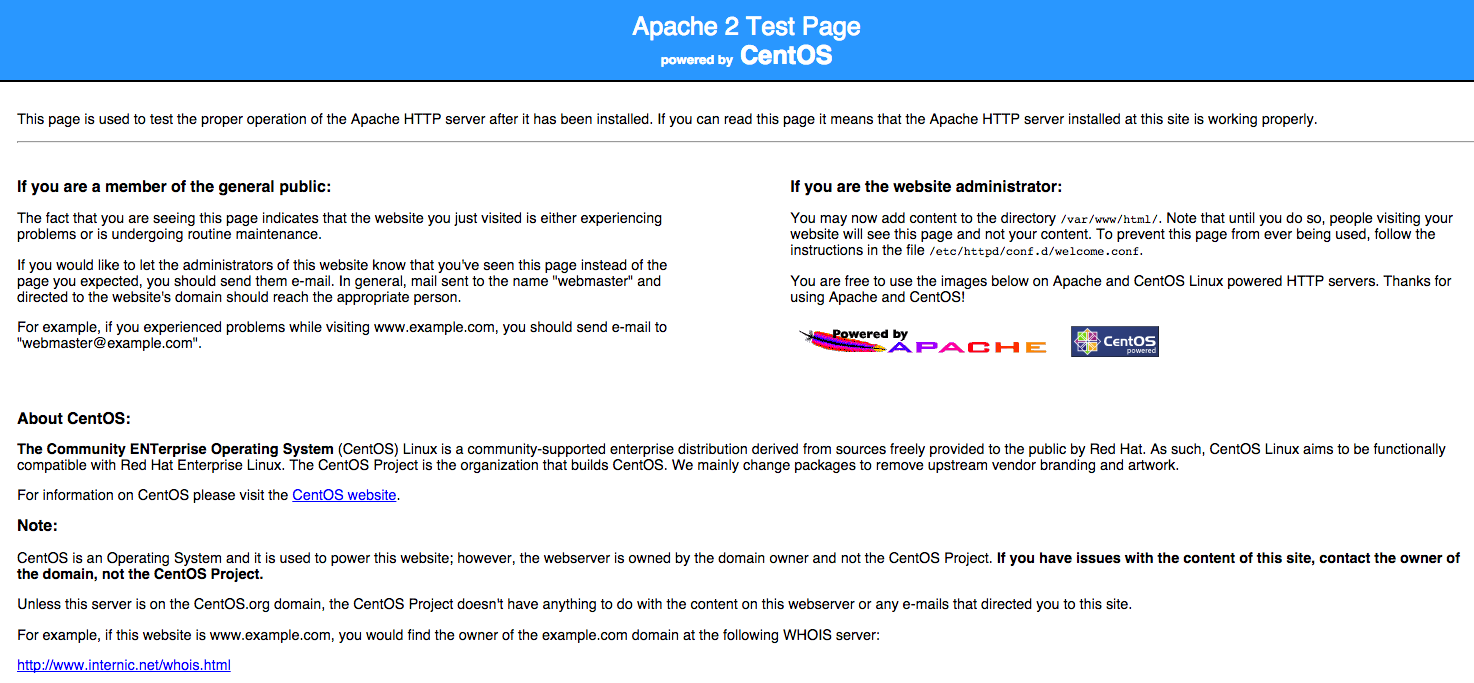
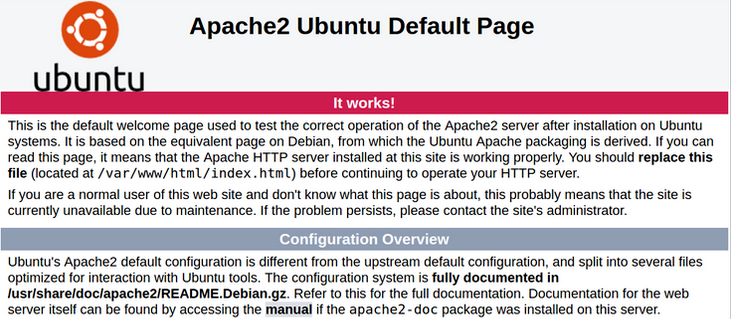
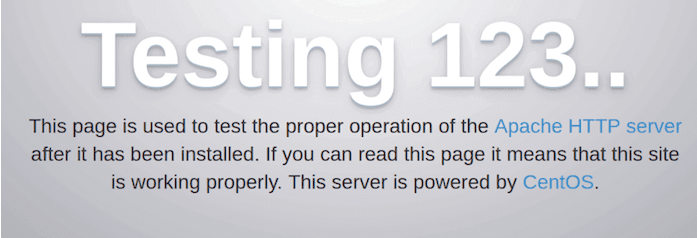
如果安装成功,您可以看到如下所示的默认 Apache 网页。
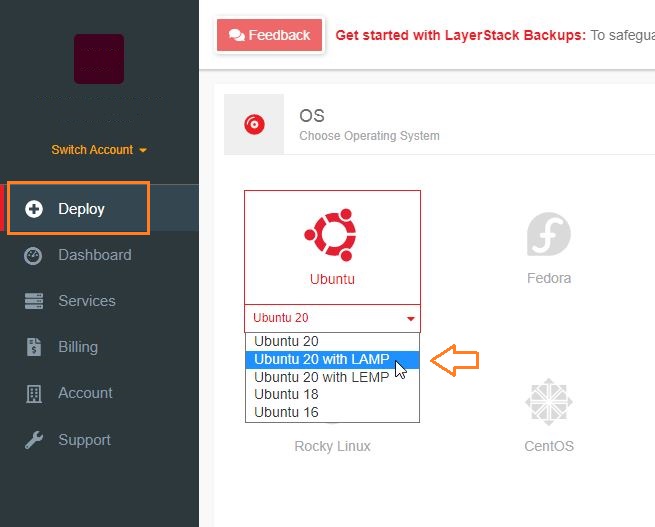
LayerStack 客户可以使用LayerPanel部署云服务器,该Ubuntu 20 with LAMP服务器已包含默认操作系统中的操作系统和服务,如下所示。ApacheMySQLPHP
此外,您还可以查看以下在 Debian、Ubuntu 和 CentOS 上安装、配置和测试 Apache 服务器的说明。
Ubuntu 和 Debian
安装 Apache 服务器
- 运行以下命令安装 Apache。
# apt-get install apache2 - 运行以下命令启动 Apache 进程。
# /etc/init.d/apache2 start - 执行以下命令验证服务是否正在运行。
# /etc/init.d/apache2 status - 运行以下命令重启 Apache 服务器。
# /etc/init.d/apache2 restart
配置 Apache 服务器
下一步是为域名设置 Web 服务器配置。Apache 配置目录位于 [此处应填写目录路径],/etc/apache2其中apache2.conf包含主要的 Apache 配置文件。每个域名都需要自己的虚拟主机配置文件。
配置文件使用.conf extension,需要保存在/etc/apache2/sites-available/目录中。
- 创建一个文件
/etc/apache2/sites-available/yourdomain.com.conf,并在其中添加以下几行。# nano /etc/apache2/sites-available/yourdomain.com.conf <virtualhost *:80=""> ServerAdmin webmaster@localhost ServerName yourdomain.com ServerAlias www.yourdomain.com DocumentRoot /var/www/yourdomain.com ErrorLog ${APACHE_LOG_DIR}/error.log CustomLog ${APACHE_LOG_DIR}/access.log combined </virtualhost> - 为网站创建一个目录,然后
index.html为网站创建一个文件。# mkdir /var/www/yourdomain.com - 添加一些内容
index.html。# vi /var/www/yourdomain.com/index.html - 请重启 Apache 服务以使上述更改生效。
# /etc/init.d/apache2 restart or # sudo systemctl restart apache2 - 打开任意浏览器,输入网站网址。
http://yourdomain.com
测试 Apache 服务器
可以通过在浏览器地址栏中输入服务器 IP 地址来测试 Apache Web 服务器:
http://你的服务器IP
CentOS 7/8
安装 Apache 服务器
- 运行以下命令安装 Apache。
# yum install httpd - 即使安装完成,Apache 也不会自动启动。请运行以下命令启动 Apache 进程。
# systemctl start httpd - 执行以下命令验证服务是否正在运行。
# systemctl status httpd - 运行以下命令重启 Apache 服务器。
# systemctl restart httpd
配置 Apache 服务器
下一步是在 Apache 中添加并更新新域名的 VirtualHost 配置。每个域名都需要自己的配置文件。配置文件使用 `<domain>` 标签.conf extension,并且需要保存在 ` /etc/httpd/conf.d/<domain>` 目录中。
在下面的示例中,yourdomain.com需要替换为网站的实际名称。
- 创建一个文件
/etc/httpd/conf.d/yourdomain.com.conf,并在其中添加以下几行。# vi /etc/httpd/conf.d/yourdomain.com.conf <virtualhost *:80=""> ServerAdmin root@yourdomain.com ServerName yourdomain.com ServerAlias www.yourdomain.com DocumentRoot /var/www/html/yourdomain.com/ ErrorLog /var/log/httpd/yourdomain.com/error.log CustomLog /var/log/httpd/yourdomain.com/access.log combined </virtualhost> - 为网站创建一个目录,然后
index.html为网站创建一个文件。# mkdir /var/www/html/yourdomain.com - 添加一些内容
index.html。# vi /var/www/html/yourdomain.com/index.html - 请重启 Apache 服务以使上述更改生效。
# systemctl restart httpd - 打开任意浏览器,输入网站网址。
http://yourdomain.com
测试 Apache 服务器
可以通过在浏览器地址栏中输入服务器 IP 地址来测试 Apache Web 服务器:
http://你的服务器IP
CentOS 6
安装 Apache 服务器
- 运行以下命令安装 Apache。
# yum install httpd - 运行以下命令启动 Apache 进程。
# service httpd start - 执行以下命令验证服务是否正在运行。
# service httpd status - 运行以下命令重启 Apache 服务器。
# service httpd restart
配置 Apache 服务器
下一步是为该域名设置 Web 服务器配置。配置文件名为httpd.conf,Apache 配置目录位置为/etc/httpd/。
- 打开 apache 配置文件,
/etc/httpd/conf/httpd.conf并在文件末尾添加以下几行。# vi /etc/httpd/conf/httpd.conf <virtualhost *:80=""> ServerAdmin root@yourdomain.com ServerName yourdomain.com DocumentRoot /var/www/html/yourdomain.com/ ErrorLog /var/log/httpd/yourdomain.com/error.log CustomLog /var/log/httpd/yourdomain.com/access.log combined </virtualhost> - 为网站创建一个目录,然后
index.html为网站创建一个文件。# mkdir /var/www/html/yourdomain.com - 现在添加一些内容
index.html。# vi /var/www/html/yourdomain.com/index.html - 请重启 Apache 服务以使上述更改生效。
# service httpd restart - 打开任意浏览器,输入网站网址。
http://yourdomain.com
测试 Apache 服务器
可以通过在浏览器地址栏中输入服务器 IP 地址来测试 Apache Web 服务器:
http://你的服务器IP